Made with Genjutsu AI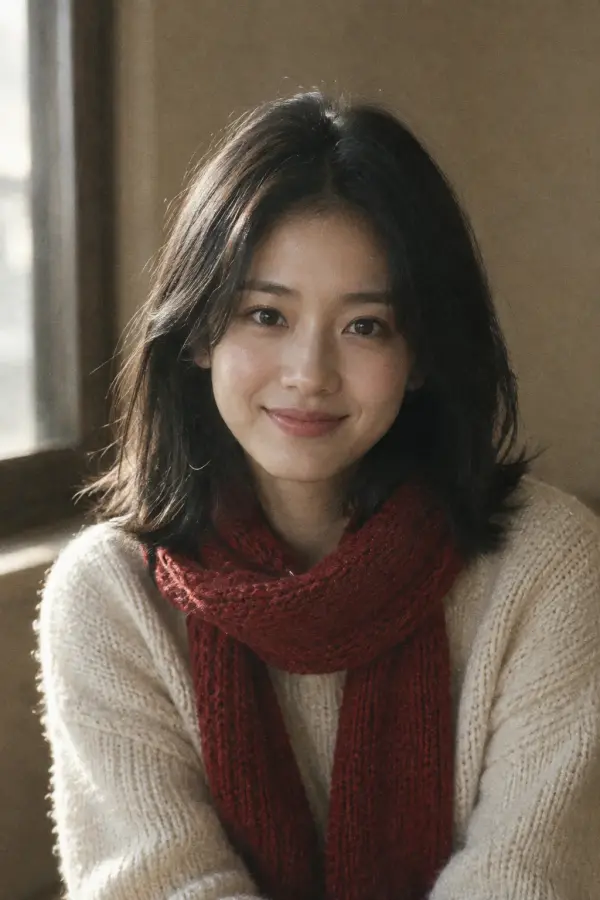
Snowy cabin
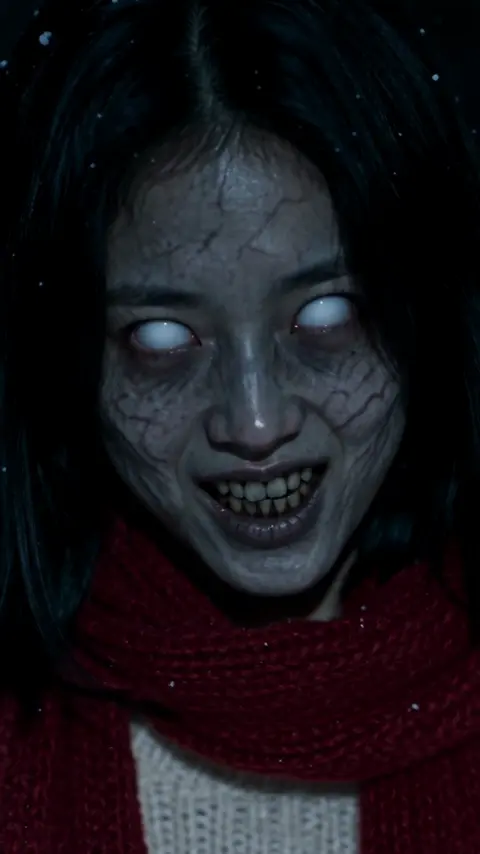
She turned. He aims, hesitates, and lowers the gun.
Upload two photos and Genjutsu AI turns them into the AI zombie trend's most emotional short: one of you has turned, the other lowers the gun and opens their arms. 15 seconds, sound included, made with Seedance 2.5. No prompts, no watermark, from $2.85 per video.
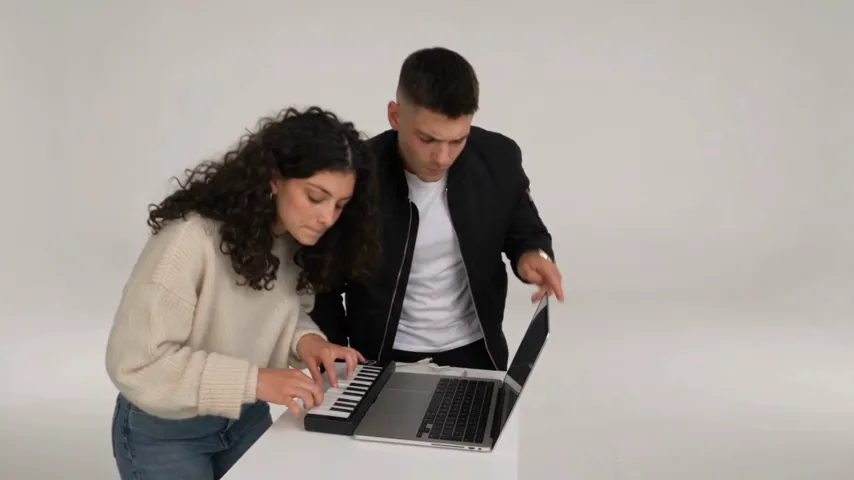
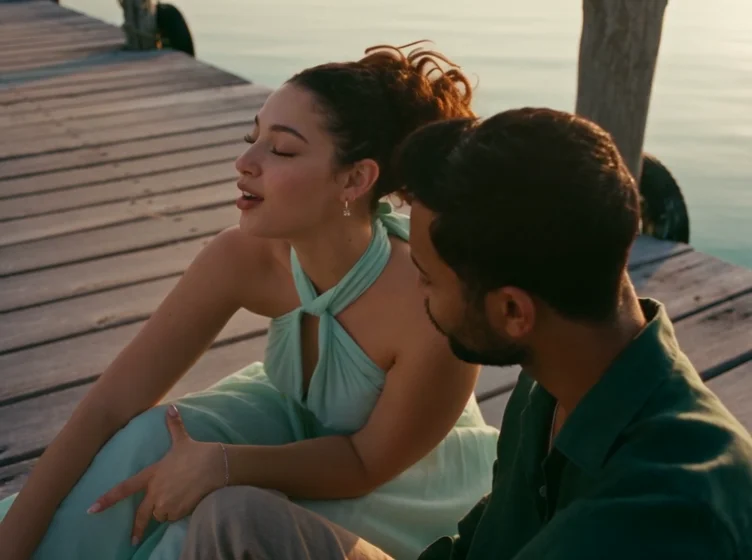
Each clip below started as two ordinary photos. Tap a video to play it with sound. The small thumbnails show the photos that went in.
She turned. He aims, hesitates, and lowers the gun.
An earlier cut of the trend in a different setting.
The AI zombie trend is a tiny horror film with a twist of romance. A survivor finds the person they love, already turned. They raise the gun, hands shaking. Then they lower it and open their arms. The zombie lunges, and in that exact moment the film hard-cuts into a warm memory of the two of them before everything ended.
It works because the story fits in 15 seconds and still lands a punch. Couples post it as a dark anniversary joke, best friends use it to roast each other, and some people just love the cinematic look. The AI Zombie template on Genjutsu AI reproduces the whole beat, from the standoff to the flashback, with your two faces as the cast.
No editing app, no green screen and no prompt writing. The template already knows the shots.
Open the workbench with the AI Zombie template already selected and choose a vertical 9:16 or wide 16:9 frame.
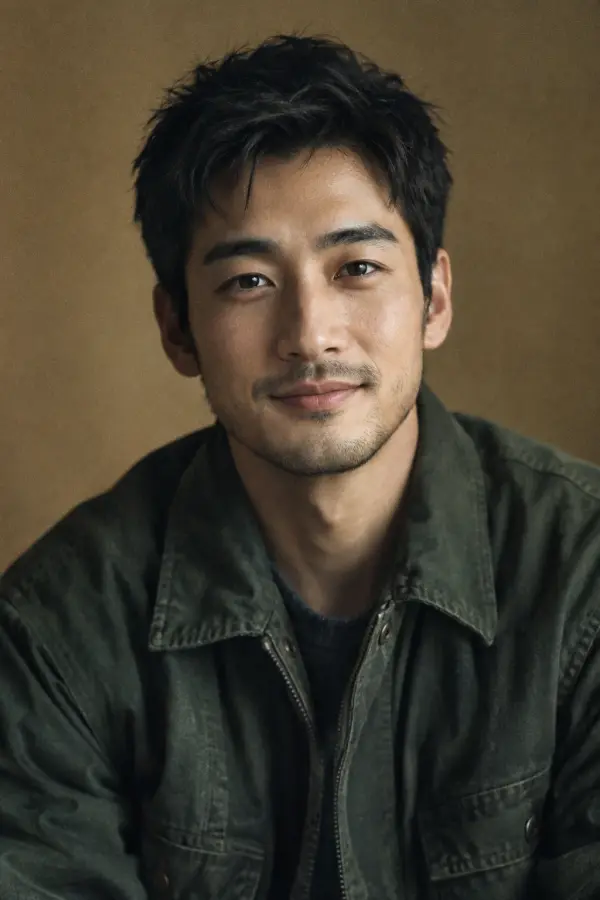
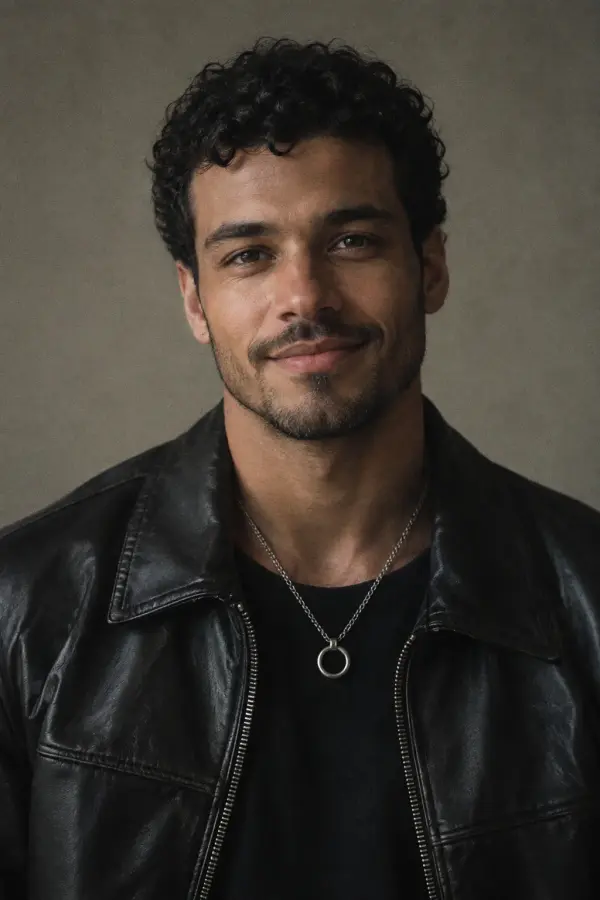
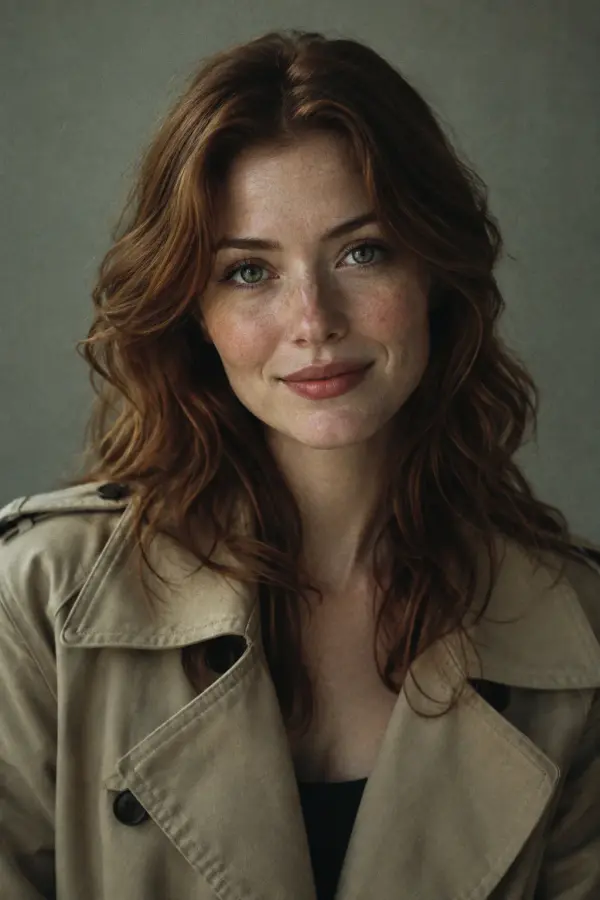
Photo 1 is the person who turns into the zombie. Photo 2 is the survivor holding the gun. Clear, front-facing faces work best.
Seedance 2.5 films the standoff, the pounce and the flashback. Your HD video is usually ready in about 10 minutes, with no watermark.
The model keeps the faces you give it, then adds the zombie makeup itself. Better photos mean a more convincing transformation and a flashback that actually looks like you.
Same template, different story. A few ways people use the AI zombie trend:
Tag your partner with "I would still choose you". It is the most shared version for a reason.
Make your friend the zombie and caption it with the one thing they would never forgive.
Recast a sibling or parent for a dramatic family group chat surprise.
A ready-made spooky short for October without costumes or makeup.
As low as $2.85 per video
Plans from $14.90/mo (billed yearly), credit packs from $19.90. Save up to 40% with yearly billing.
It is a short-video trend where a survivor faces a loved one who has turned into a zombie, lowers the gun and opens their arms, and the attack cuts into a happy memory. Genjutsu AI recreates it from two photos.
Open the Zombie Love Story template, upload a photo of who turns and a photo of the survivor, and click generate. No prompt is needed and the video is usually ready in about 10 minutes.
Every AI zombie video is 15 seconds long. You can choose vertical 9:16 for TikTok, Reels and Shorts, or wide 16:9.
Yes. The sound and score are rendered together with the video, so the standoff and the flashback each get their own mood.
With a yearly plan a video costs as low as $2.85, and if a video fails to generate, its credits are returned automatically.
No. You download the HD video without a watermark and can post it anywhere.
Two photos, one click, one zombie love story. From $2.85 per video, no watermark.